Arclet for iPhone and iPad
Your earbuds can do more than their app lets you.
Arclet opens up the equalizer built into your earbuds. Move every band, fit the sound to a balanced target in one tap, then tune it to your own ears. It's all stored on the earbuds, so it follows them everywhere.

Free on the App Store for iPhone and iPad. The Mac app follows. No account, no tracking.
Beyond the vendor app
The whole equalizer, not a few sliders.
01
Parametric EQ
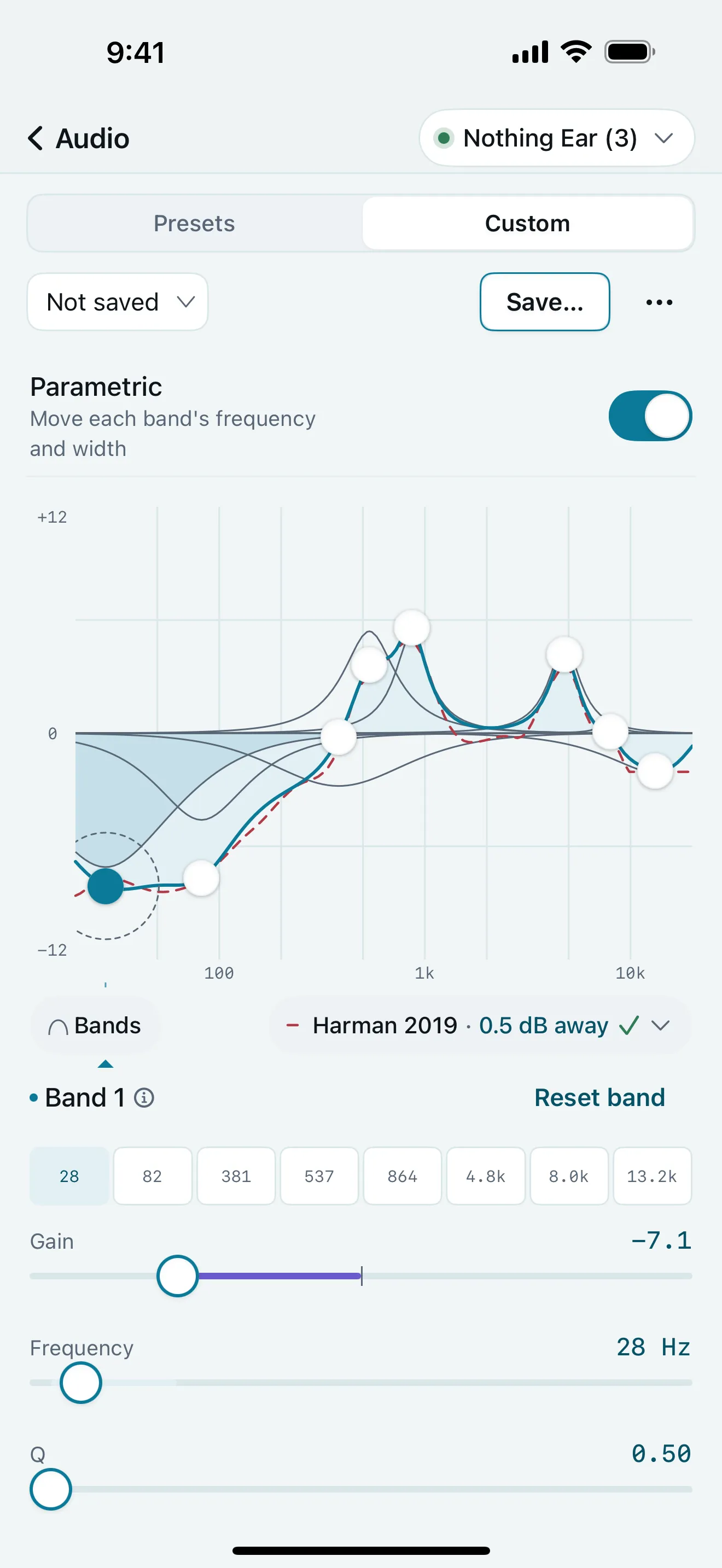
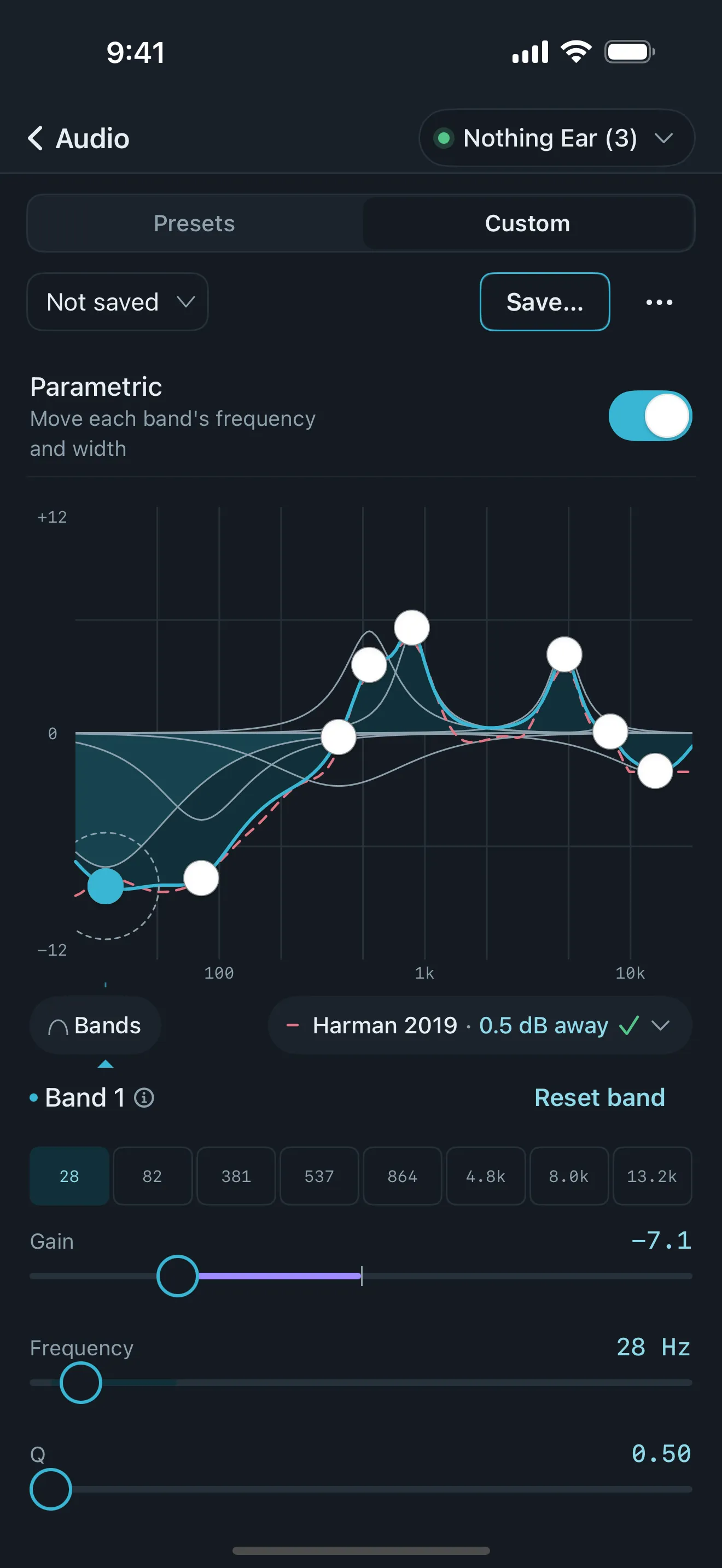
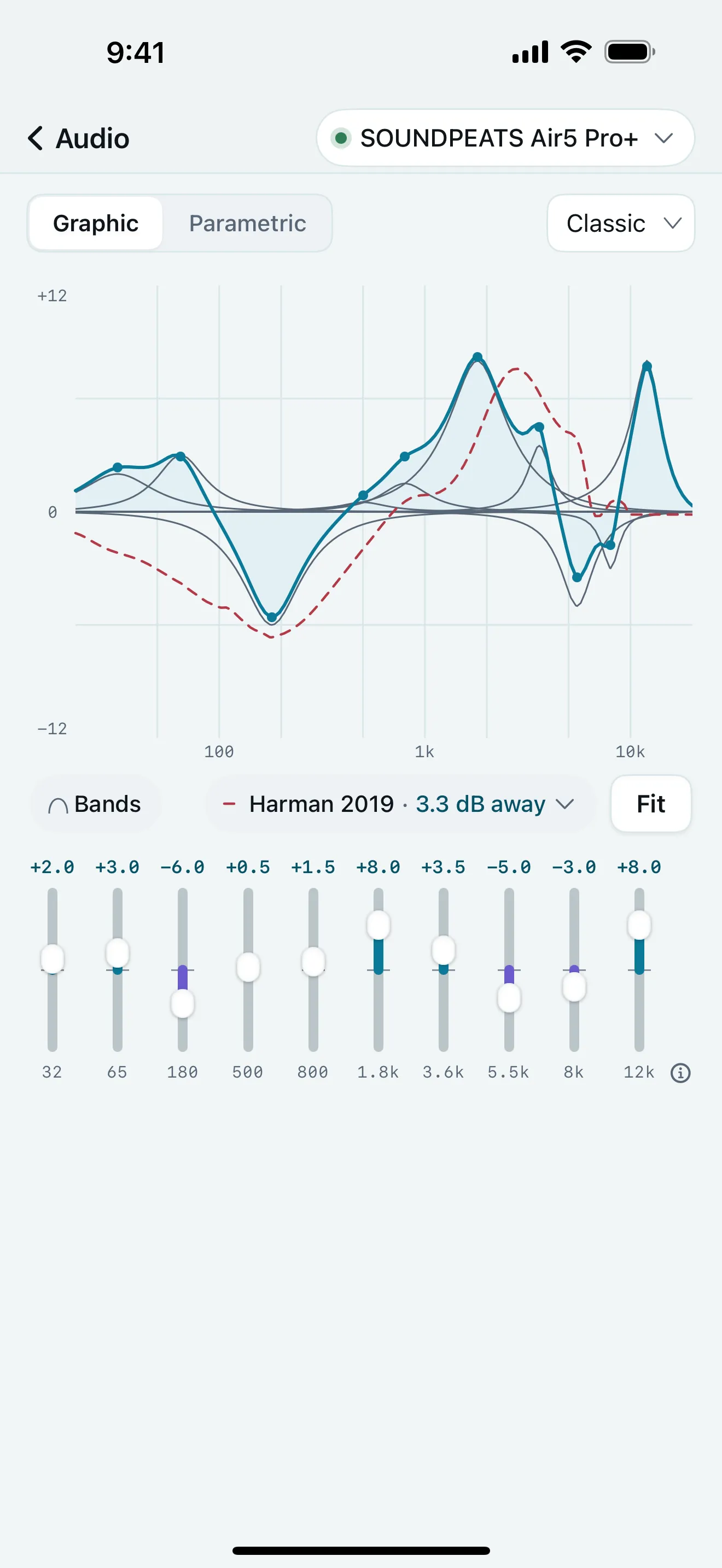
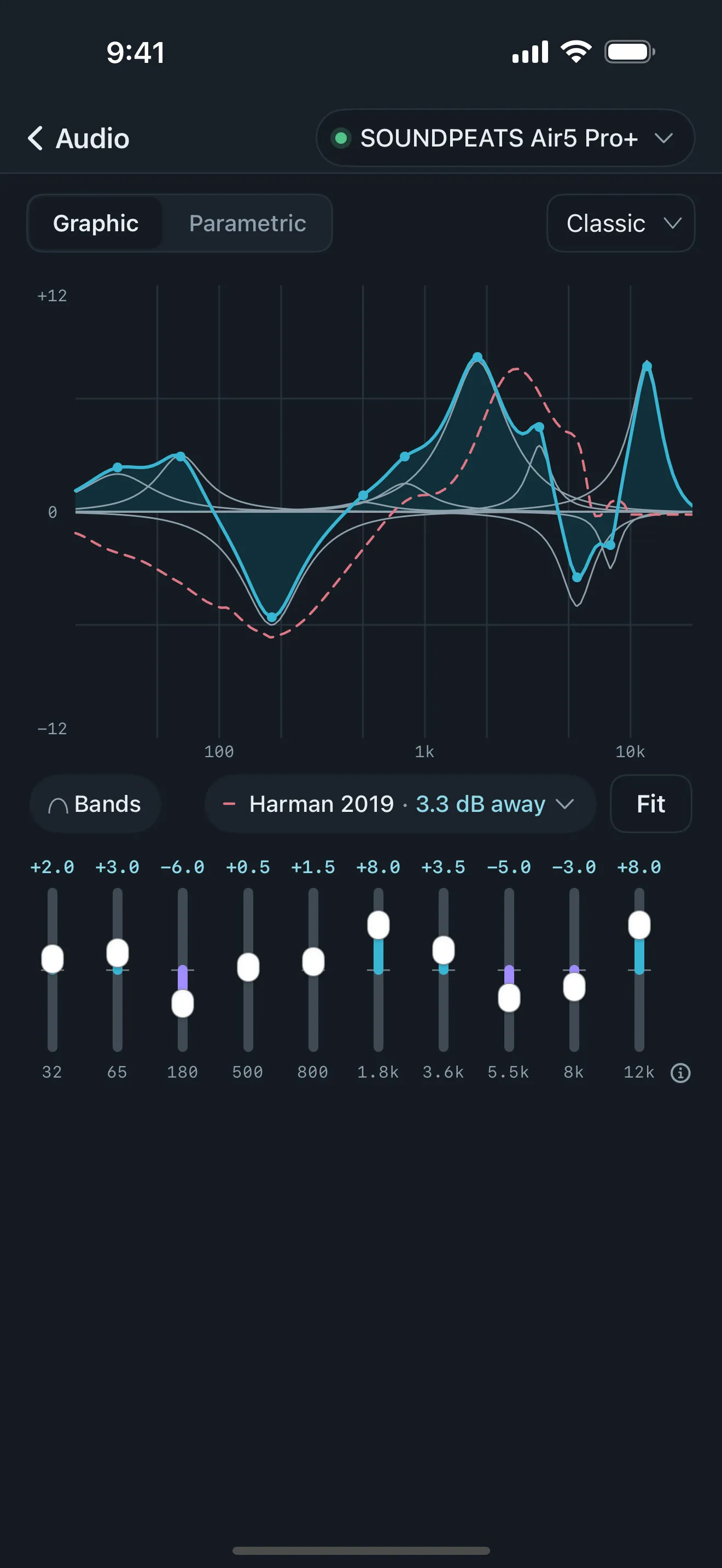
Many earbud apps give you sliders at fixed frequencies. On supported models Arclet lets you move each band's frequency and width too, and draws the curve your earbuds will actually play.
±12 dB per band, where the earbuds allow it
02
Fit to target
Pick a target, from Harman 2019 to neutral, and one tap tunes your earbuds toward it, using measurements of your exact model. Arclet shows how close the result lands, in decibels, so you can see it, not just hear it.
1 tap, then fine-tune by hand
03
Personal Sound
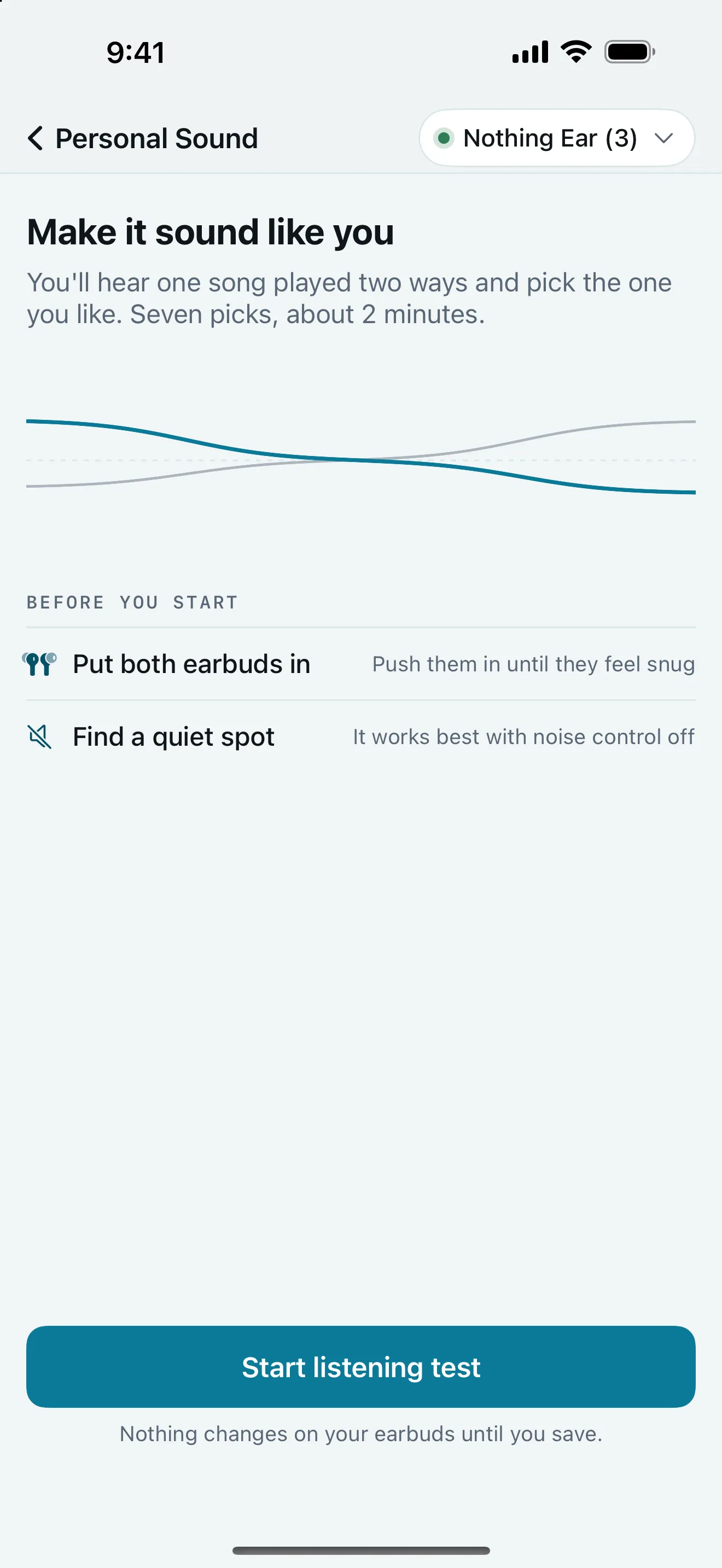
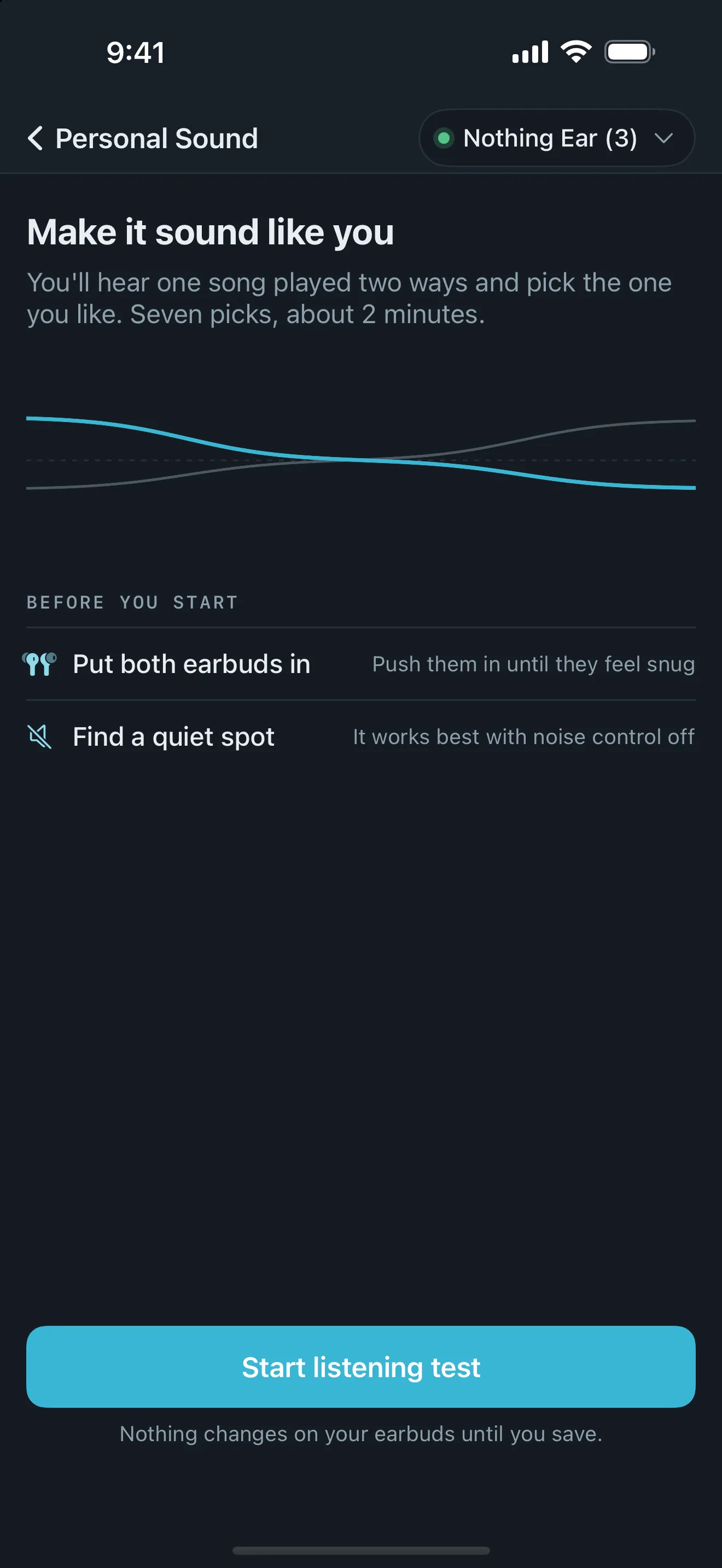
A short listening test plays one song two ways, seven times, and you pick the one you like. Arclet turns your picks into a curve on top of the baseline, made for your ears and taste.
2 minutes, seven picks
04
Stored on the earbuds
What you set in Arclet, from the EQ to what each pinch does, is written to the earbuds themselves. Pair them with a laptop, a TV or another phone, and your sound and controls come along.
0 accounts, nothing in the cloud
Everything else, too
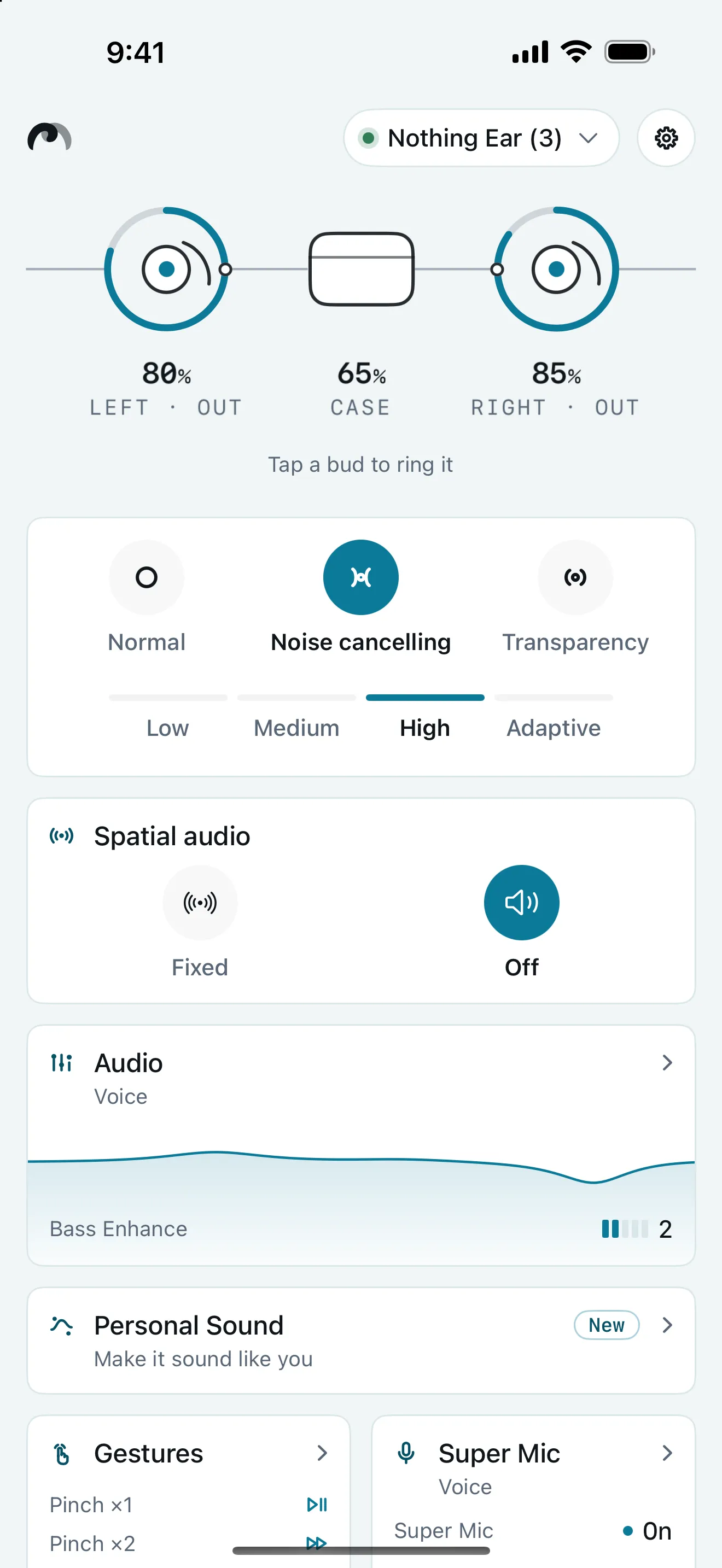
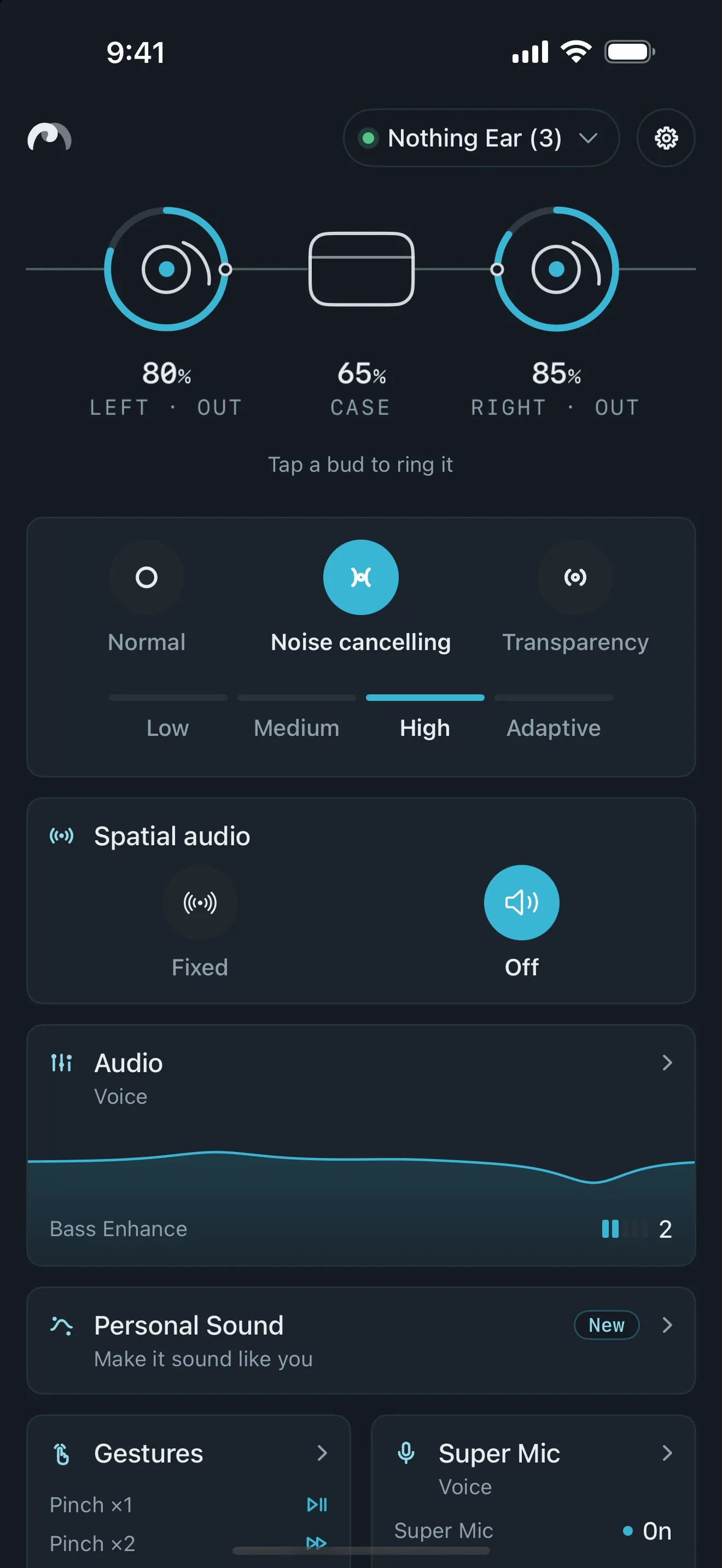
One app for the rest of your earbuds' settings.
Battery
Each bud and the case, at a glance.
Noise control
Cancelling, transparency and their levels.
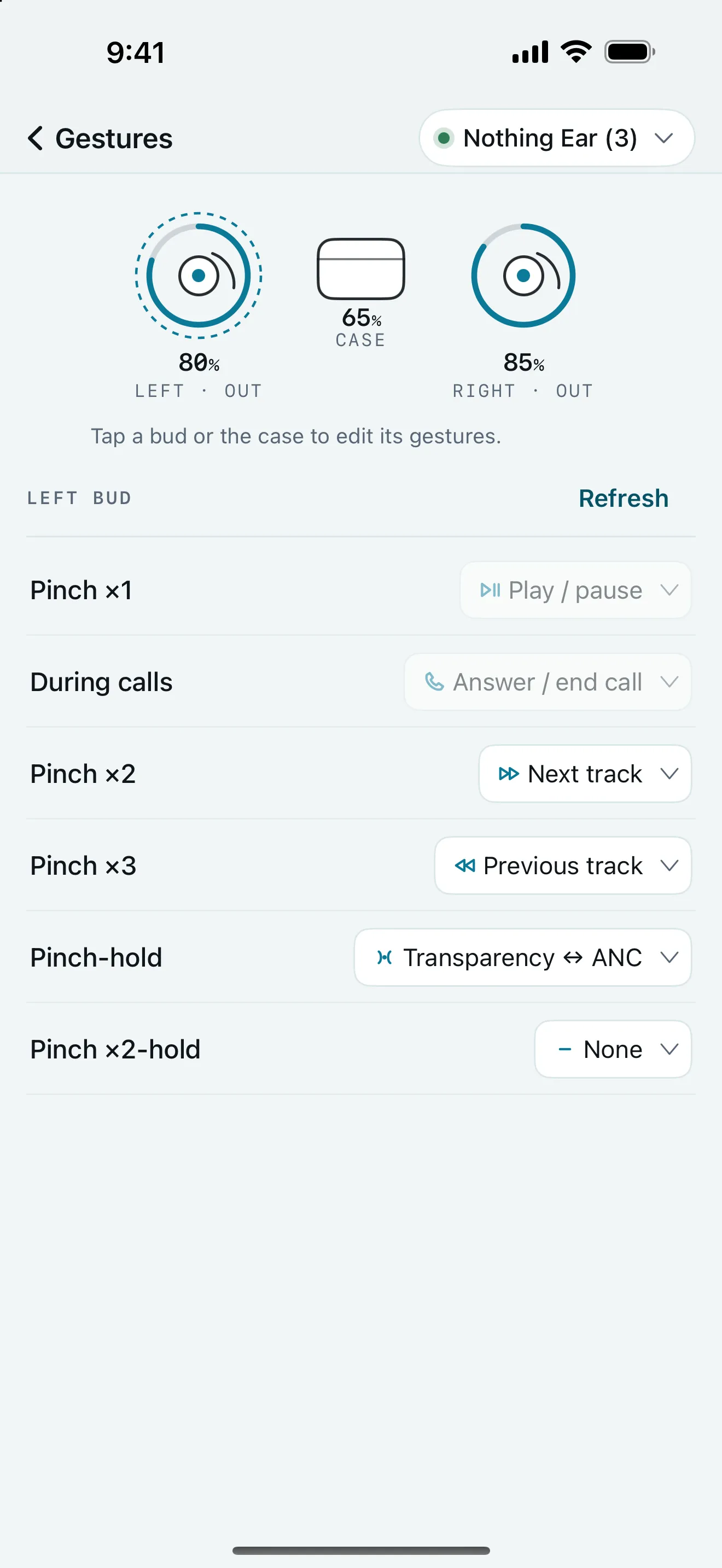
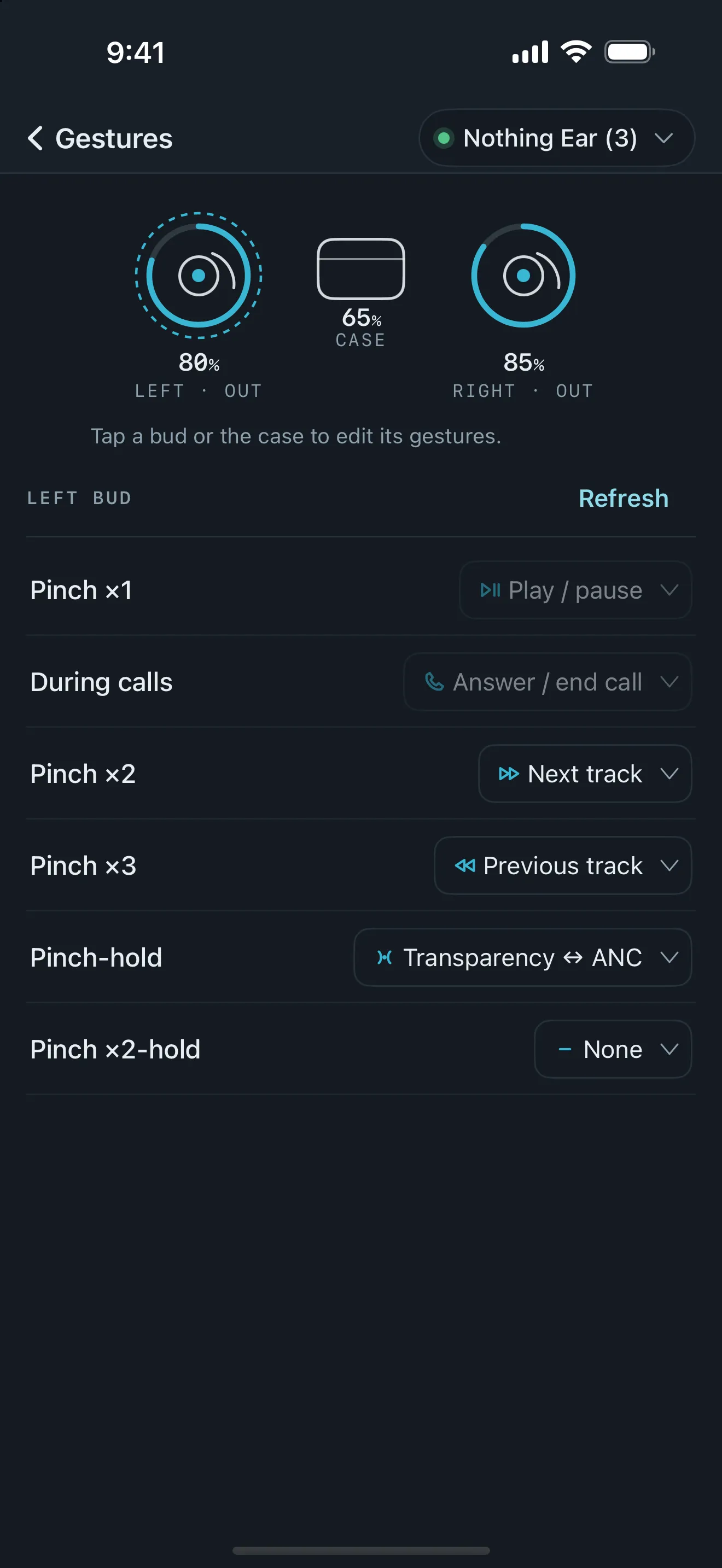
Gestures
Set what each tap, pinch and hold does.
Multipoint
See paired devices and switch between them.
Codec
Standard, LDAC and more, where the pair offers it.
Gain
Earbuds too quiet? Turn the output up a step, without building a parametric EQ just to raise its master gain.
Find a bud
Ring a lost bud from the app.
On the models that support them. Arclet only shows the controls your earbuds actually have.
Supported earbuds
Studied and checked, model by model.
| Arclet adds | Standard controls | ||||||||||
|---|---|---|---|---|---|---|---|---|---|---|---|
| Earbuds | Parametric EQ | Fit to target | Personal Sound | ±12 dB | Start from a preset | Gain | Noise control | Gestures | Multipoint | Codec | Find a bud |
| Moondrop Golden Ages 2 | Yes | Yes | Yes | Yes | No | Yes | Yes | Yes | Yes | Yes | No |
| SOUNDPEATS Air5 Pro+ | Yes | Yes | Yes | Yes | Yes | Yes | Yes | Yes | No | No | Yes |
| EarFun Air Pro 4+ | Yes | Yes | Yes | Yes | Yes | Yes | Yes | Yes | Yes | No | Yes |
| Cambridge Audio Melomania A100 | No | Yes | Yes | Yes | Yes | No | Yes | Yes | Yes | No | Yes |
| Nothing Ear | Yes | Yes | Yes | Yes | No | No | Yes | Yes | Yes | Yes | Yes |
| Nothing Ear (3) | Yes | Yes | Yes | No | No | No | Yes | Yes | Yes | Yes | Yes |
| CMF Buds 2 Plus | Yes | Yes | Yes | Yes | No | No | Yes | Yes | Yes | Yes | Yes |
| CMF Buds Pro 2 | No | No | No | No | No | No | Yes | Yes | Yes | Yes | Yes |
| Shokz OpenDots 2 | No | No | No | No | No | No | No | Yes | Yes | No | Yes |
| Shokz OpenDots ONE | No | No | No | No | No | No | No | Yes | Yes | No | Yes |
Gain is Arclet's on the SOUNDPEATS and EarFun pairs; the Moondrop app has it too, so its dot is a standard one. Every model also gets presets, a custom EQ with 16 saved curves, battery for each bud and the case, and no account. Arclet never touches firmware, so updates stay with the maker's app. Other earbuds may connect with basic battery and name support. Own a pair that isn't here? Tell me below.
Private by design.
- No account. Open it and connect.
- No tracking. No analytics, no ads.
- Bluetooth only. It talks to your earbuds and nothing else.
Read the privacy policy, the terms of use or get support.
Join the waitlist
Hear when Arclet supports your pair.
Tell me which pair you own, and I'll email you once, when Arclet supports it.
Arclet is an independent project. It is not affiliated with, endorsed by, or sponsored by Shokz, Cambridge Audio, SOUNDPEATS, Nothing, Moondrop or EarFun. All product names and trademarks, including OpenDots, Melomania, Nothing Ear and Golden Ages, belong to their respective owners. I use these names only to show which hardware Arclet works with. Arclet works with earbuds you already own. It ships no vendor code and never touches the firmware or OTA update path.
I keep the app separate from my reviews. My disclosure and editorial policy explains how.